RPA Creator
RPA creator, showing the members who have the permission to log in to "Floating License" and "Node-locked License" creator, and the information of this member after logging in to Creator.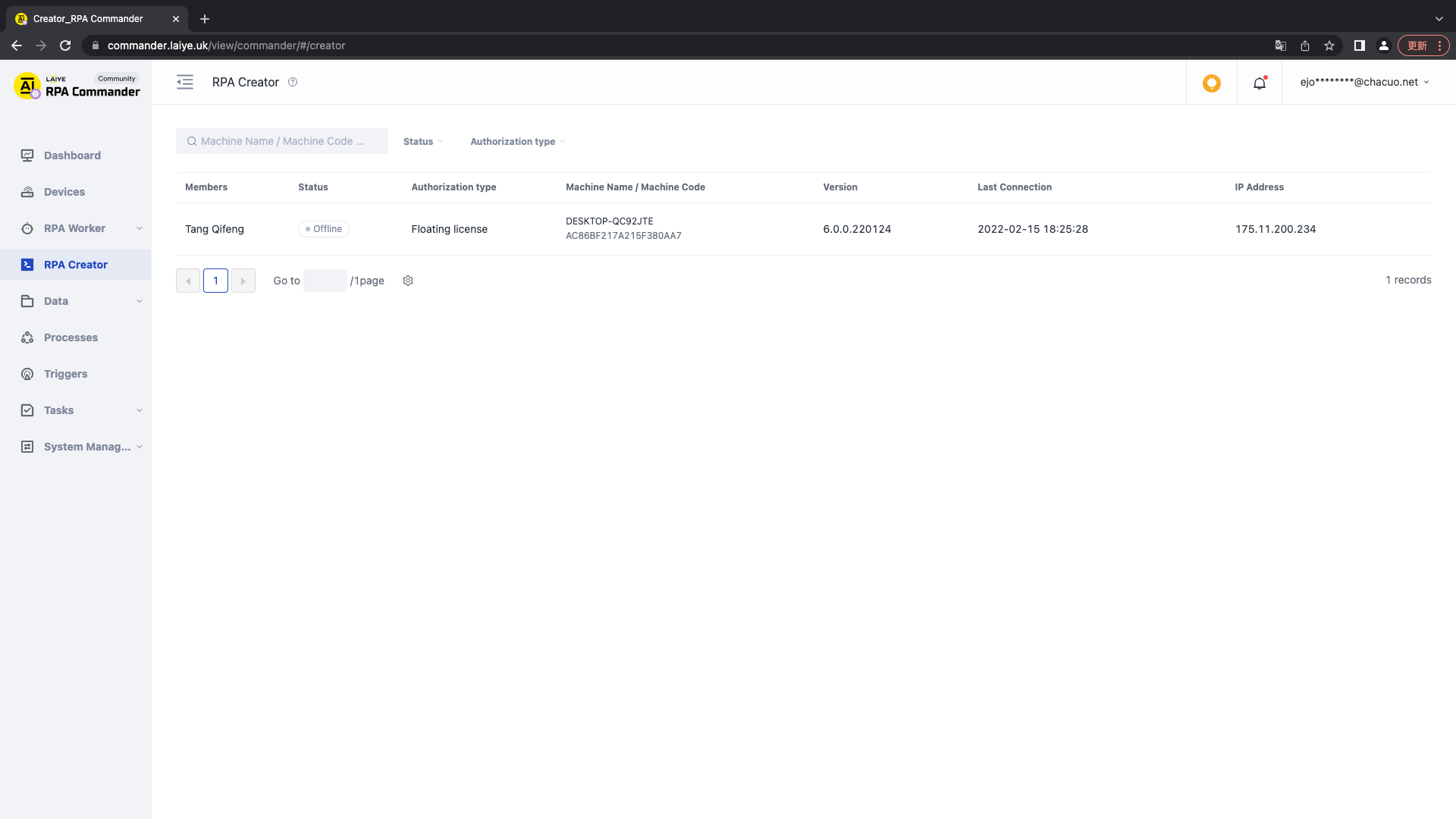
Query
It supports query through creator status (online / offline), authorization type, name, machine code, etc.
Edit
When a user role contains login Floating License and Node-locked License creator permission, this list is displayed. If you need to edit it, you can go to the member management office to edit it.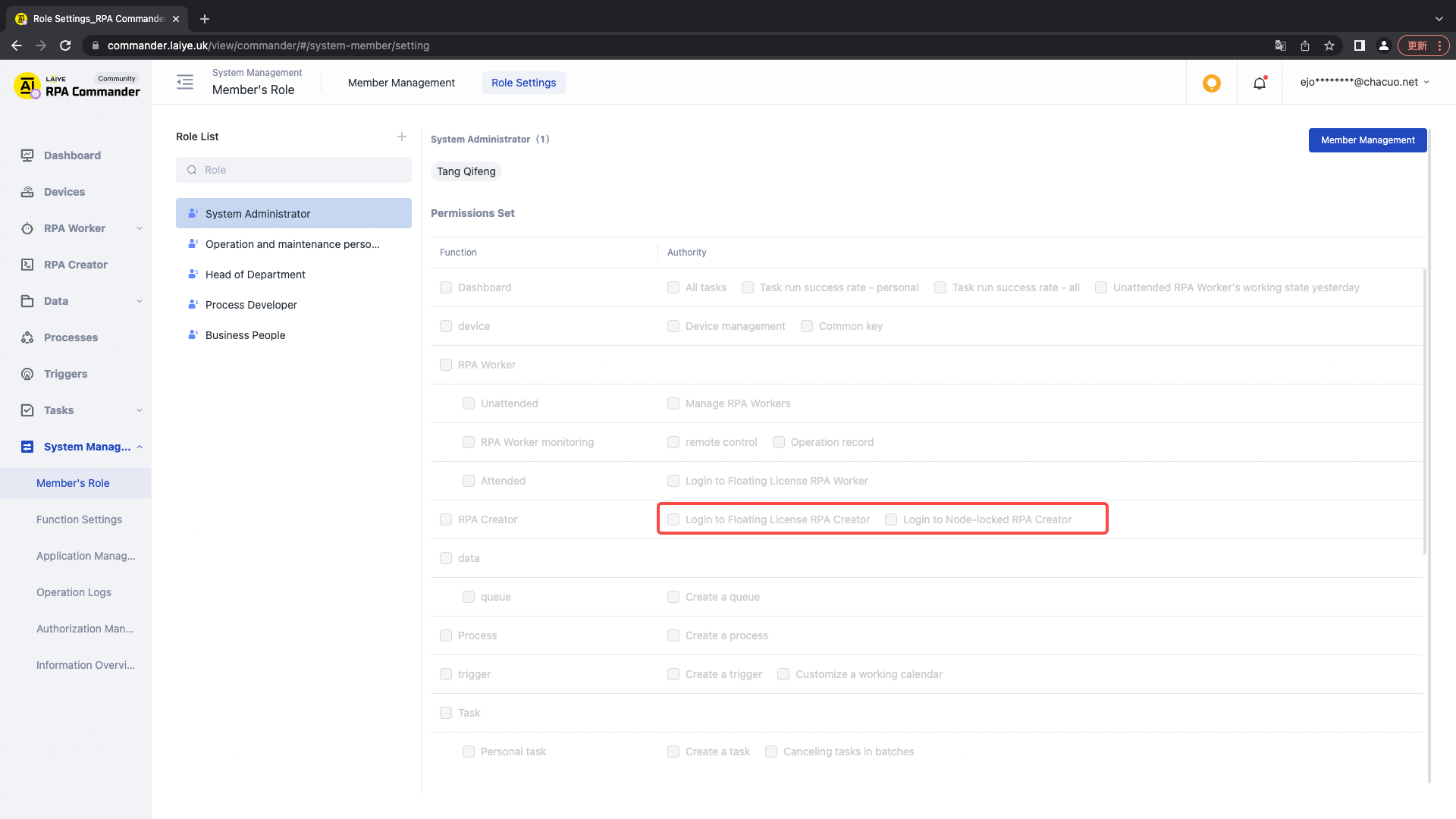
Delete
To delete the member login Floating License and Node-locked License creator permissions, you can go to member management to set them.