Installation and uninstallation
install
Before initial use, you need to install it yourself or with the assistance of technicians.
- Open the folder where the installation package is located and double-click the installation file, for example:
Windows (64 bit) system: laiye_ RPA_ Community_ Official_ X64_ V6. 0.0_ 2022.01.24.2021. exe
Windows (32-bit) system: laiye_ RPA_ Community_ Official_ X86_ V6. 0.0_ 2022.01.24.2021. exe
Note: the installation package includes the Laiye Automation Worker community version and the Laiye Automation Creator community version.
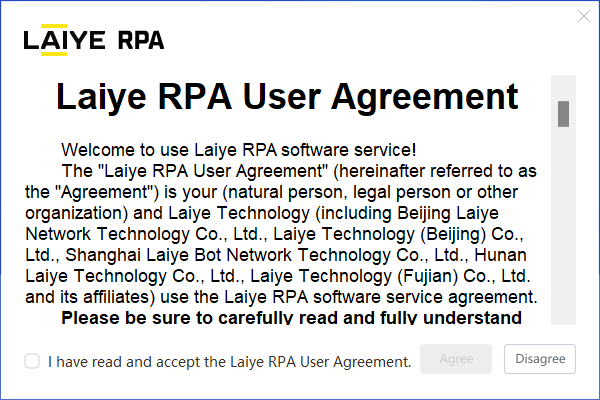
- After opening the installation file, read and check the user agreement and click agree.
- Enter the installation guide page, you can directly click the "install now" button, or click "custom installation".
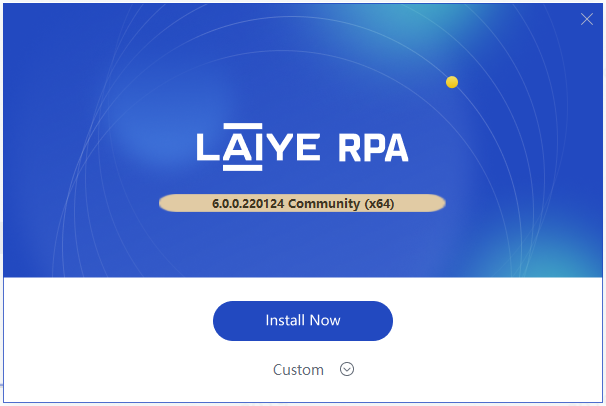
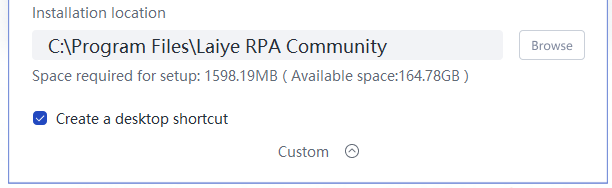
- The user-defined installation interface is shown in the figure below. You can browse and select the installation location and choose whether to create a desktop shortcut.
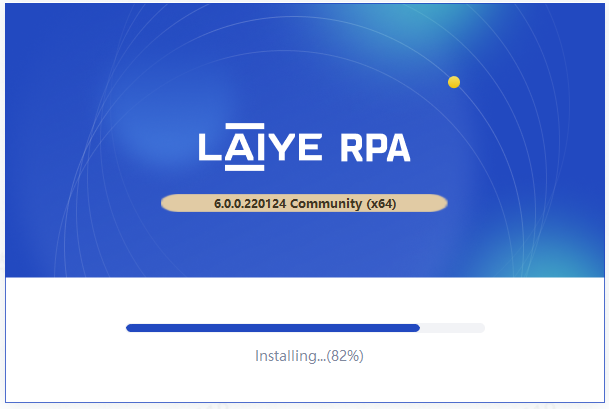
- Click the "install now" button, the program will enter the installation state, and the page will display the progress bar of "installing..." in a few seconds, and the installation can be completed quickly.
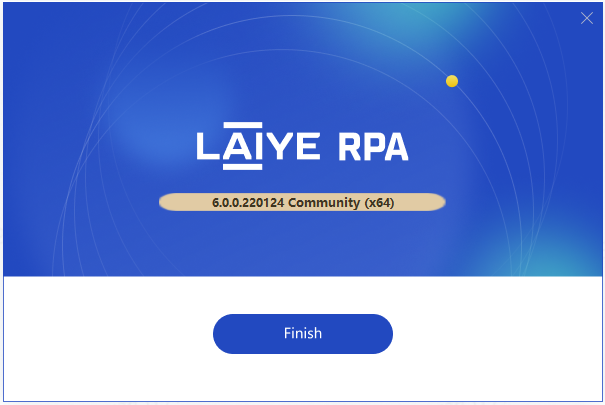
- After installation, as shown in the figure below, click the "finish" button.
Matters needing attention:
During installation or use, if the anti-virus software intercepts the operation of the Laiye Automation Worker, please select "allow operation".
After the installation is successful, if the Laiye Automation Worker network access request appears, please select "allow access".
If there is a VNC service network access request when Unattended logs in, please select allow access. VNC service is one of the preconditions for Laiye RPA Commander to conduct Real-time Monitoring on Unattended.
After installation and use, if you need to install a new version, you can directly overwrite the installation or change the installation path.
uninstall
There are two ways to uninstall the Laiye Automation Worker client:
Method 1: access the installation directory and find uninstall Exe, double-click to enter the uninstall page.
Method 2: find the Laiye Automation Worker through "Start > Windows settings > Application" and select "uninstall".