Operation record
Operation records are used to view and supervise the operation records of the current Laiye Automation Worker.
Attended - the operation records (including screen recording files) of the Process and Group in the Floating License worker will be synchronized to the Laiye RPA Commander.
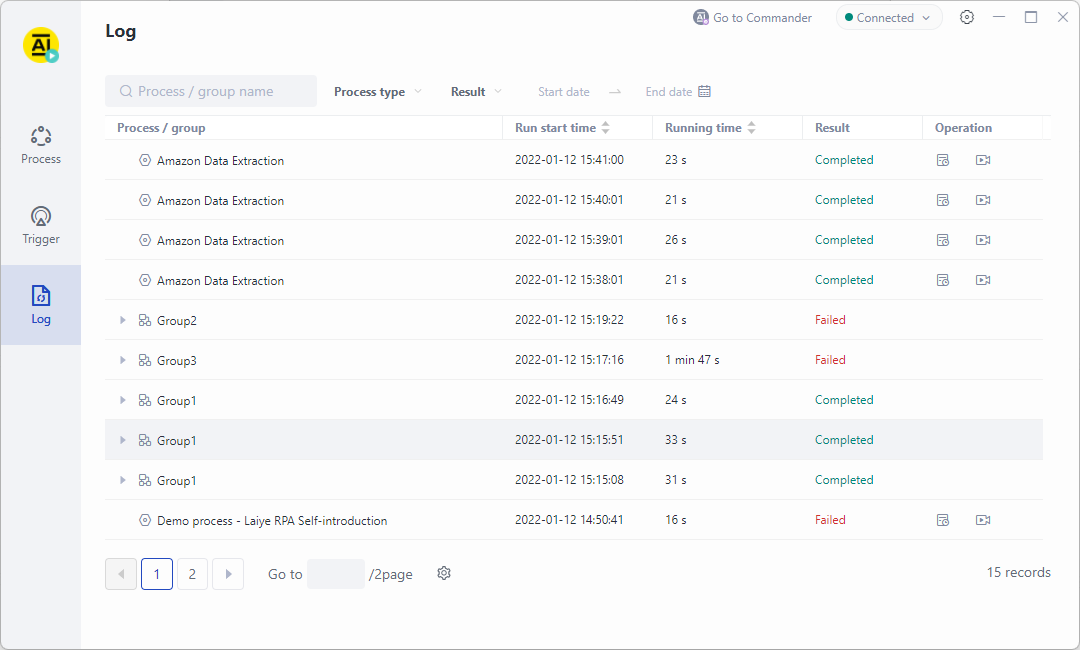
The operation record list includes the names of Process and Group, operation start time, operation duration, operation results and operation items (operation details and view screen recording). It supports opening multiple operation details and screen recording windows at the same time.
Operation details
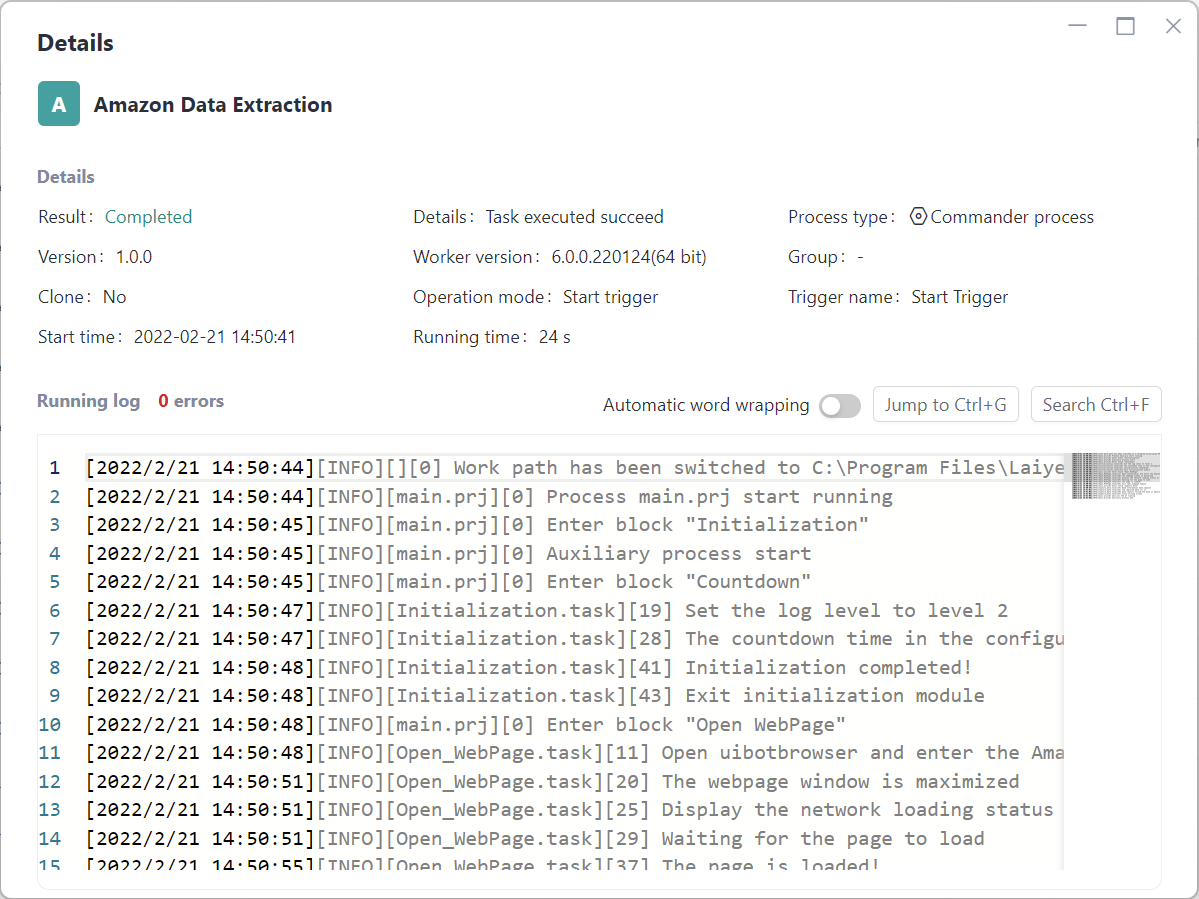
Run details, used to view the details of Process operation and run logs.
Details, including running result, running result details, Process type, Version list, Process running version, Group, Clone running, running mode, Trigger name, start time, running duration and other information.
The operation log includes the system log automatically generated during the operation process and the log written by the RPA development engineer using the log command when editing the Process file through the Laiye Automation Creator.
The operation log supports the functions of viewing line number, automatic line feed, jump to specific line and search. For long log information, you can view it through the scroll bar or full screen.
View recording screen
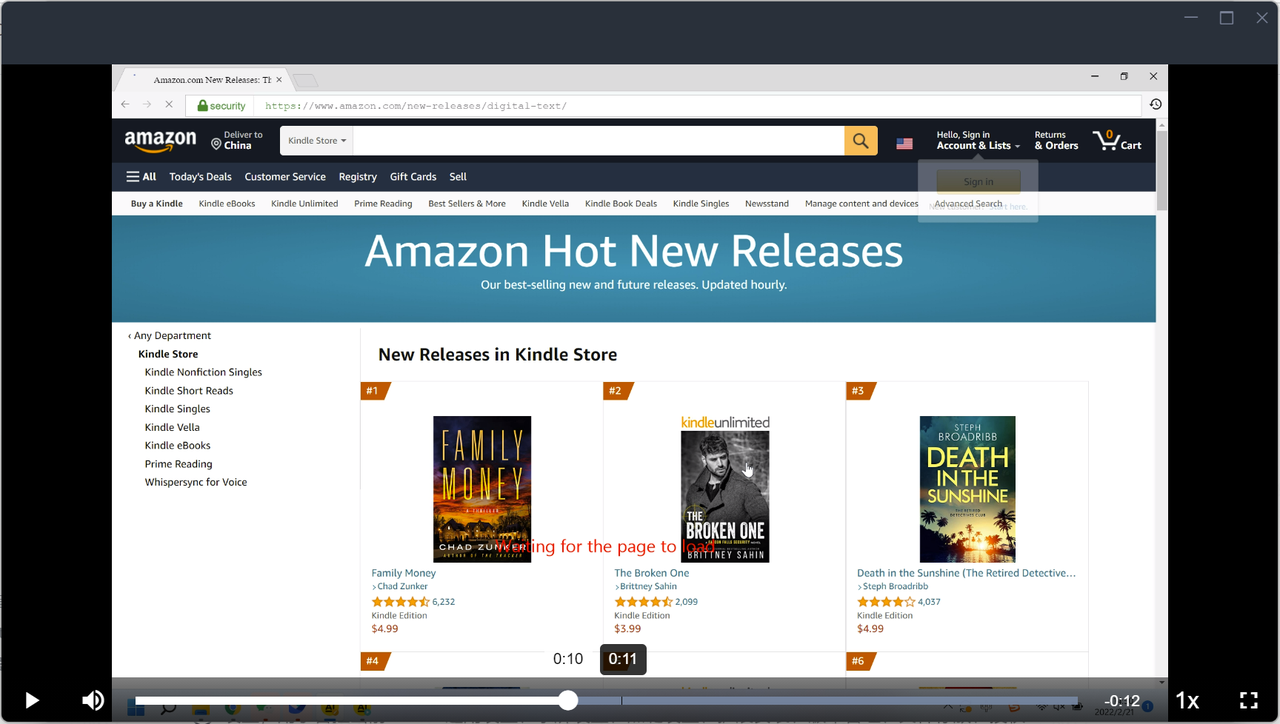
View screen recording is used to view the screen recording of Process operation process.
Attended - Floating License worker, please set whether to record the screen in "Laiye RPA Commander \> function setting \> screen recording setting".